
Install Untoz+
Enjoy the full Untoz+ experience directly from your Home Screen. Install Untoz+ in seconds for faster access, full-screen viewing and an app-like experience — no app store required.
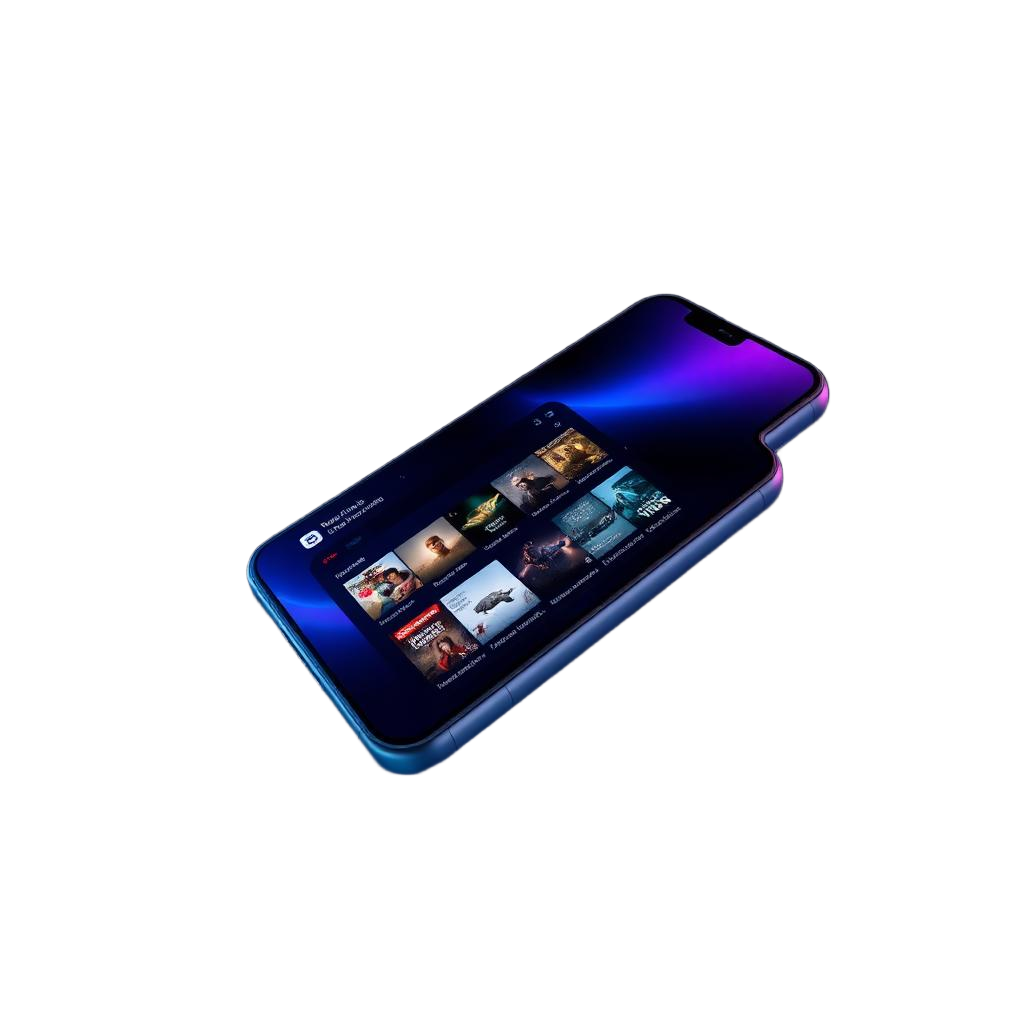
Why Install Untoz+
Everything you gain with Untoz+ on your device.
Faster Launch
Open Untoz+ instantly from your Home Screen.
App-like Experience
Enjoy a clean full-screen interface without browser distractions.
Always Up to Date
The latest version is always available automatically.
No Large Download
Install in seconds without downloading a large application.
Works Everywhere
Available on Android, iPhone, tablets and desktop browsers.
Secure
Installed directly from the official Untoz+ website.
Installation Guides
Pick your device and follow the steps.
Android
- 1Open Untoz+ in Google Chrome.
- 2Tap the menu (⋮).
- 3Select Install App or Add to Home Screen.
- 4Tap Install.
- 5Open Untoz+ from your Home Screen.
iPhone & iPad
- 1Open Untoz+ in Safari.
- 2Tap the Share button.
- 3Select Add to Home Screen.
- 4Tap Add.
- 5Launch Untoz+ like any other app.
Desktop
- 1Open Untoz+ in Chrome or Microsoft Edge.
- 2Click the Install icon in the address bar.
- 3Click Install.
- 4Start Untoz+ directly from your desktop.
Frequently Asked Questions
Untoz+ uses Progressive Web App technology to deliver an app-like experience directly from your browser.
No. You can install Untoz+ directly from the official website.
Yes. Updates are applied automatically whenever you use Untoz+.
Yes. You can remove Untoz+ at any time like any other app.
Native Apps Coming Soon
Native Android, iPhone and Smart TV applications are currently in development.
Ready to Install Untoz+?
Install Untoz+ today and enjoy instant access to movies, series, documentaries, live TV, live events and more.